Your Microsoft 365 tenant already belongs to you. GoDaddy just stands in front of it. We run the documented release, move your licensing to a Microsoft partner you can actually call, and lock the tenant down on day one. Same tenant. Same domain. Same email.
When you buy Microsoft 365 through GoDaddy, your tenant is federated. Sign-in, admin, and licensing all run through GoDaddy's layer instead of straight to Microsoft. Most teams live with it until one of three things forces the question.
The admin tile opens a GoDaddy portal. The setting your team needs is often one it does not expose.
Business Premium, Defender, Copilot. If the license the job needs is not on their plan list, you are stuck.
Sign-in policies, MFA, and admin roles are harder to own when a reseller layer sits between you and your tenant.
Microsoft points admins to GoDaddy's own move-away guide as the supported path. See Microsoft's defederation page.
Federation is a layer in front of your tenant, not a feature of it. Removing it changes who you work with, not where your email lives.
Done in the right order, your team keeps working and the only visible change is a new sign-in page.
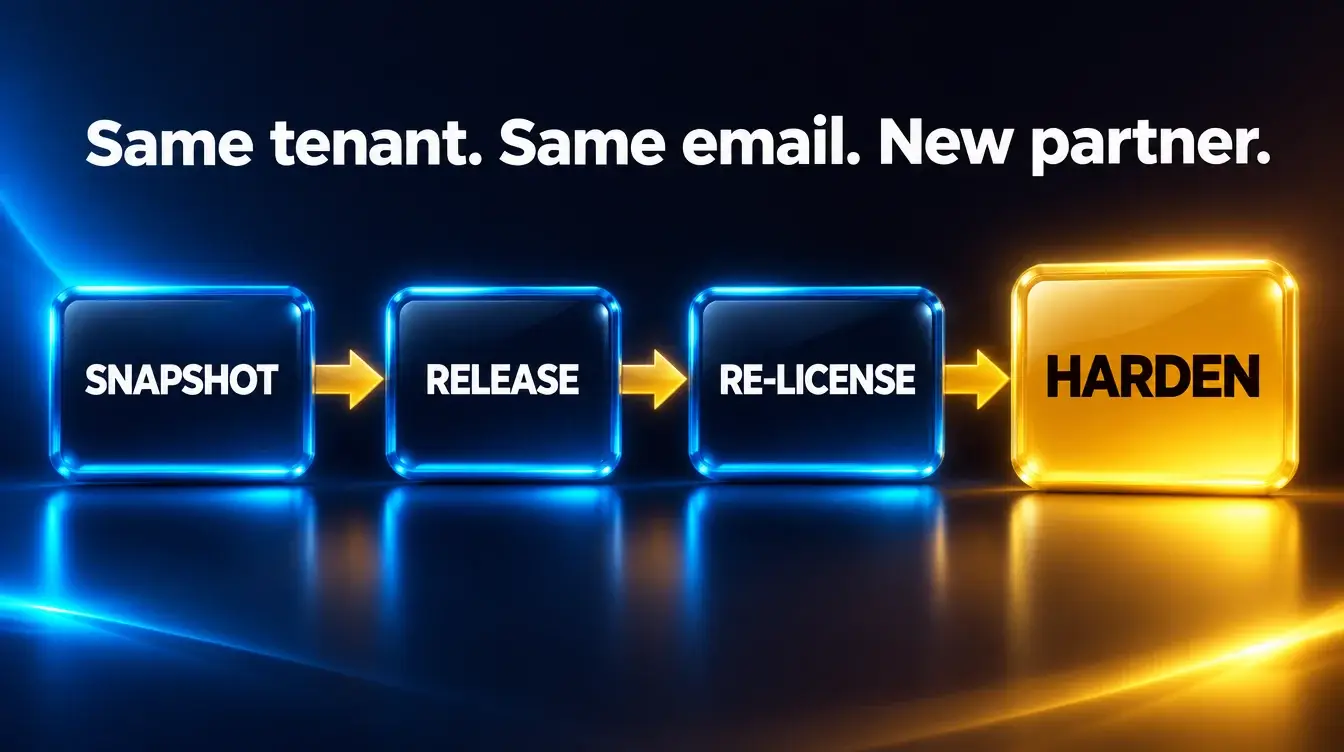
We inventory your licenses, admin accounts, DNS records, and every GoDaddy add-on in your mail path.
If GoDaddy's Advanced Email Security filters your mail, we repoint MX records to Microsoft first so mail never stops.
You make one call to GoDaddy, and we prep you for it. GoDaddy releases the tenant and resets admin passwords. We restore clean admin access right away.
GoDaddy licenses do not transfer. New Microsoft licenses go live through us, mapped seat by seat and timed so nobody is left unlicensed.
MFA, sign-in policies, admin role cleanup, and a written summary of what changed. Then a team that answers when you call.
A 12-month Microsoft 365 licensing commitment through Celebration OnPoint. No migration fee, because nothing migrates.
Our founder began his career helping companies buy Microsoft licensing when Volume Licensing was brand new.
He spent twenty years at Microsoft before founding this firm. Today we are an authorized Microsoft CSP reseller.
A service-disabled veteran-owned small business. Texas VetHUB certified.
No. GoDaddy's own guide says the domain stays associated with your tenant. Mailboxes, files, and Teams stay exactly where they are.
They end. GoDaddy plans do not transfer, so you buy new licenses from your new partner. We stage yours so nobody is left unlicensed.
Set a new password. GoDaddy resets admin passwords during the release and its sign-in page stops working, so everyone signs in at Microsoft directly afterward.
No. GoDaddy warns that buying mailboxes elsewhere before the move creates a second tenant that cannot be merged with yours. We order at the right moment.
Add-ons such as Email Backup are removed during the move, and archiving has its own steps. We price any replacement before you commit.
No. GoDaddy states the move is one-way. That is why we plan it before anyone picks up the phone.
Sources: GoDaddy, Move my Microsoft 365 email away from GoDaddy and Microsoft Learn, Defederation process for admins using GoDaddy.

How we audit licensing, right-size seats, and buy through our CSP agreements.
Explore licensing

Our self-assessment flags the common gaps before you renew anything.
Take the assessment

Our guide to reading your bill, spotting waste, and negotiating your next renewal.
Get the PlaybookTell us about your tenant and we will send a written move plan: your licensing, your timing, and what we harden on day one. Rather talk it through? Book a call.

Written plan within one business day. No obligation.
Pick a time that works. Bring your GoDaddy plan list and we will walk you through the move.